
主题
KZZ Digital SignageMenus, Promotions and Notices on Your Screens
Create programs on a phone or computer, then update displays over the internet, a LAN or USB.
Create programs on a phone or computer, then update displays over the internet, a LAN or USB.
GET STARTED
Create on a phone or computer. Play on the screen your audience sees. Start with one image, then add video, layouts and schedules as you need them.
Follow the first-program tutorial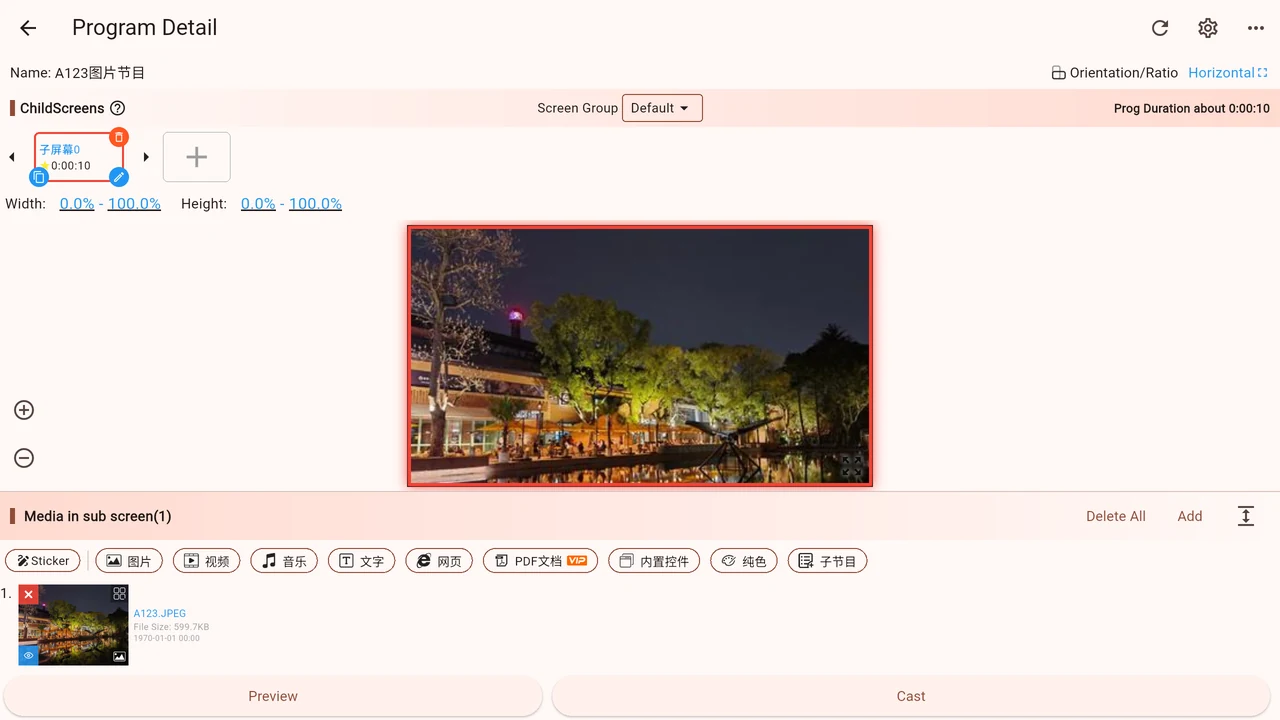
Install the Player on your TV, signage device or computer.
Add images and videos from your phone or browser, or start with a template.
Choose a display, cast your program and check the result before adding a schedule.
BUILT FOR YOUR SPACE
See what to prepare, how to arrange the screen and how to keep content up to date.
Present menus and product photos clearly, with different menus for each part of the day.
Update promotions across your stores, then return to everyday content after a campaign.
Bring company video, welcome messages and visitor information together on one screen.
Combine notices, documents and event images into a readable information display.
DESIGNED FOR CONTINUITY
Cloud casting makes remote updates convenient. Local casting lets you manage and play content in your own environment, reducing dependence on a cloud platform.
Compare casting methods