
主题
Create Interactive Programs
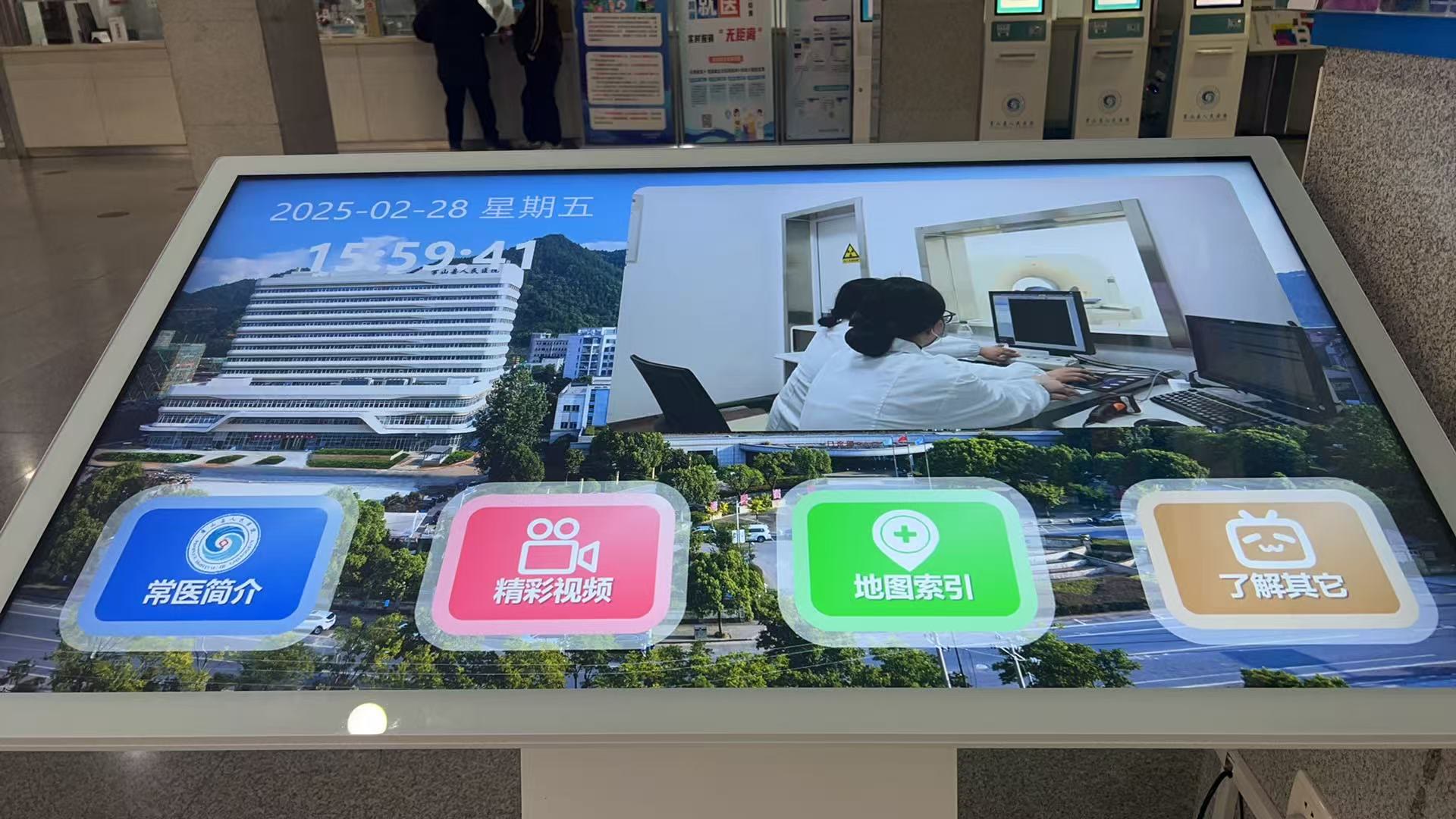
A normal program is usually "the system plays, and the audience watches." An interactive program adds one more layer: users can touch the screen or use a remote control to decide what they want to see next, what to open, or which page to enter.
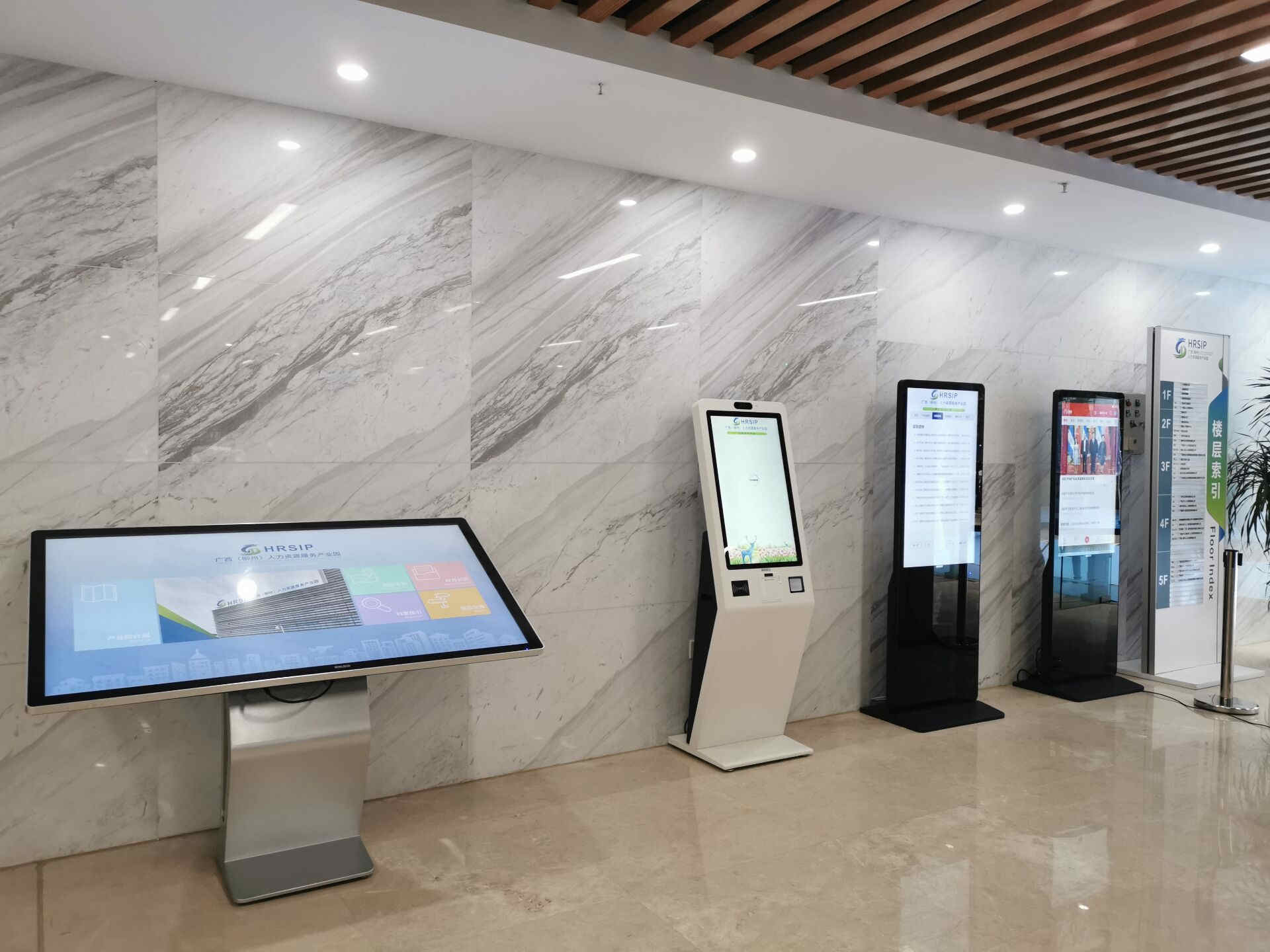
This makes it useful when a screen needs to become an operable information entry point. For example, you can build a department lookup screen in a hospital lobby, a floor guide in a shopping mall, a product introduction screen in an exhibition hall, a service guide in a public service center, or a custom desktop where users click different buttons to enter different content or applications.
You can think of an interactive program like this:
One normal program + click events or remote-control focus behavior = one interactive program
What Is the Core Capability of an Interactive Program
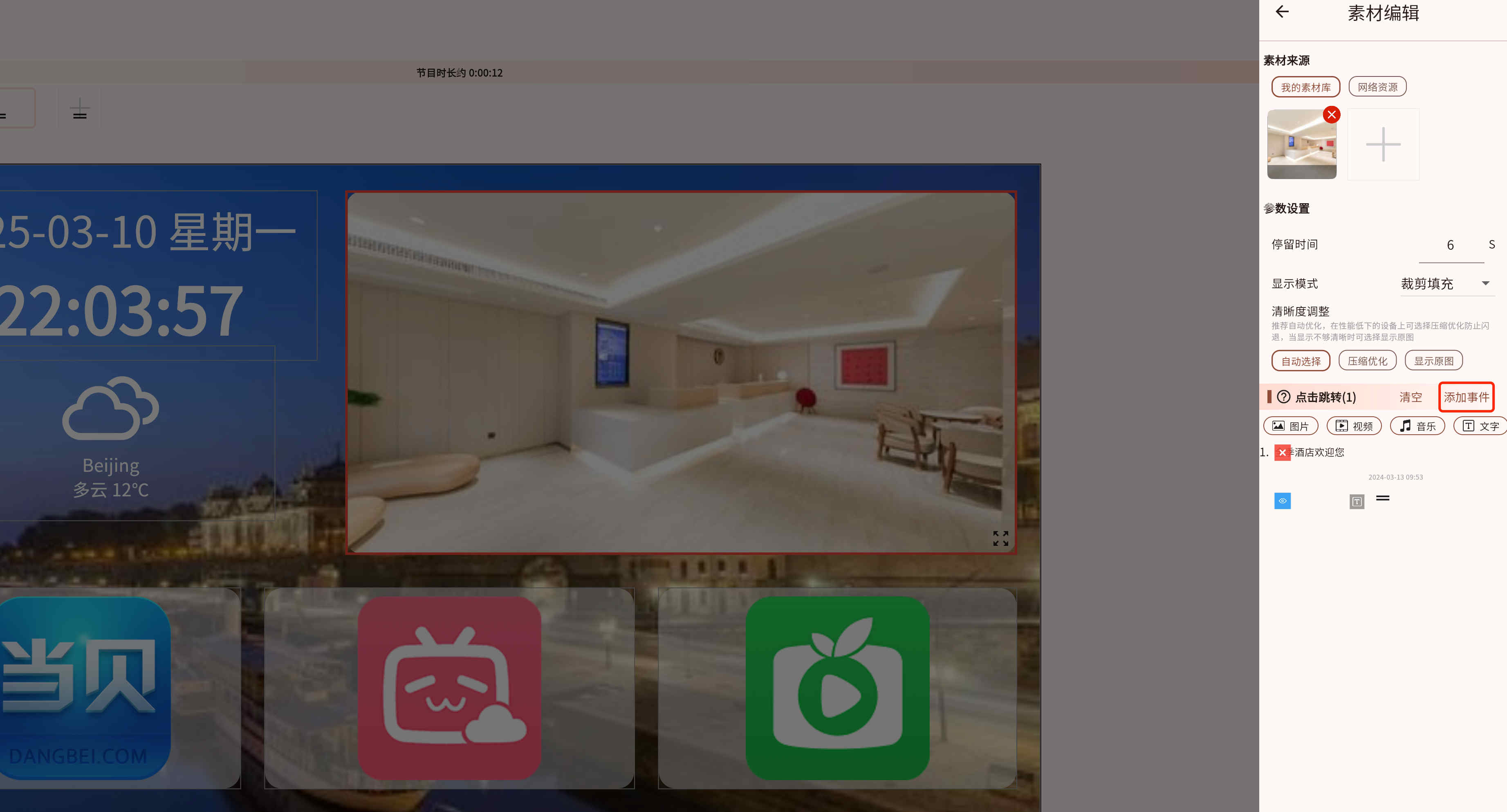
The core capability is adding click events to materials.
That means when the user clicks one material, the screen can jump to another piece of content.
Built-in Widgets Can Also Take Part in Interaction
Besides regular materials such as images, text, web pages, and videos, some built-in widgets are designed specifically for interactive programs. They work more like functional buttons or interaction modules, not just visual content.
Common interactive widgets include:
- Media Search: lets users filter content on the Player by material type or sub-screen range. It is useful for product catalogs, case libraries, document lookup pages, exhibition item search, and similar pages.
- Sub-screen Jump: makes a specified sub-screen jump to a target material after a click. This is useful for layouts such as "left menu + right content area". For example, clicking "Hospital Introduction" can update the right side to an introduction page, while clicking "Department Navigation" switches it to navigation content.
- Remote Controller: turns a clickable area into a remote-control key. It can control the current program, or send remote-control commands to selected devices or device groups. This is useful for control panels, device control pages, and scene switching pages.
- Communication - Init / Communication - Send: used for TCP/UDP communication. You can place a Communication - Init widget in the program to define the communication target, then use Communication - Send in a click event to send text or hexadecimal data. This is suitable for connecting to serial servers, industrial devices, control hosts, queue-calling systems, and similar external systems.
If you are only making a normal looping program, you may not need these widgets. If you want the screen to become an operable page, these widgets are often the key building blocks.
Where Can a Click Event Jump To
The types of click events are mostly the same as the supported material types, plus a few extra capabilities such as launching a third-party application, opening a system page, opening a website, or opening an external link.
You can also use a sub-program as the jump target, so clicking one material jumps directly to another program.
How to Launch a Third-Party Application
If a click event needs to open something outside the current program, set the jump target to a third-party application. There are three common launch modes:
Android
Use this mode on Android Player devices. It can open an installed application or certain Android system pages.
Typical uses:
- Open Android apps such as a browser, video meeting app, live streaming app, ordering app, or queue-calling app.
- Open system settings so on-site staff can adjust network, sound, Bluetooth, and similar device settings.
- Build an application launcher page on a touch screen, where each clickable area opens a different app.
In most cases, you configure the package name. If the target app is already installed on the device, you can also use "Choose App" to pick it from the application list.
URI
Use this mode when the target can be opened through a link or a custom protocol. You can enter a website URL or a URI scheme supported by another application.
Typical configurations:
https://www.example.com: open a website, campaign page, booking page, or form.mailto:name@example.com: open the mail client with the recipient filled in.tel:10086: open the dialer on supported devices.weixin://,alipays://, and similar schemes: open the corresponding app. Availability depends on the device system and whether the target app supports that scheme.
URI mode is suitable for scenarios such as continuing a workflow after scanning a QR code, opening an online store, jumping to a membership registration page, or opening a business system entry.
Command
Use this mode on Windows, macOS, or Linux Player devices. It can start a local executable or system command.
Typical configurations:
- Windows: set
cmdtoC:\Program Files\App\app.exe, and fill inargsonly when launch parameters are needed. - macOS: set
cmdto/usr/bin/open, and setargsto-aplus an application name, such asSafari. - Linux: set
cmdto a program path such as/usr/bin/vlcor/usr/bin/firefox, and setargsto a file path, URL, or launch parameter as needed.
Command mode is suitable for opening a local browser, media player, professional presentation software, industrial control client, queue-calling client, dashboard application, and similar desktop programs.
TIP
Whether a third-party application can be opened successfully depends on the Player operating system, whether the target app is installed, whether the app supports the selected launch mode, and the device permission policy. Before publishing to production, test the configuration on the actual target device.
If You Want to Use a Remote Control, You Also Need Focus Settings
Interactive programs support not only touch interaction, but also remote-control navigation.
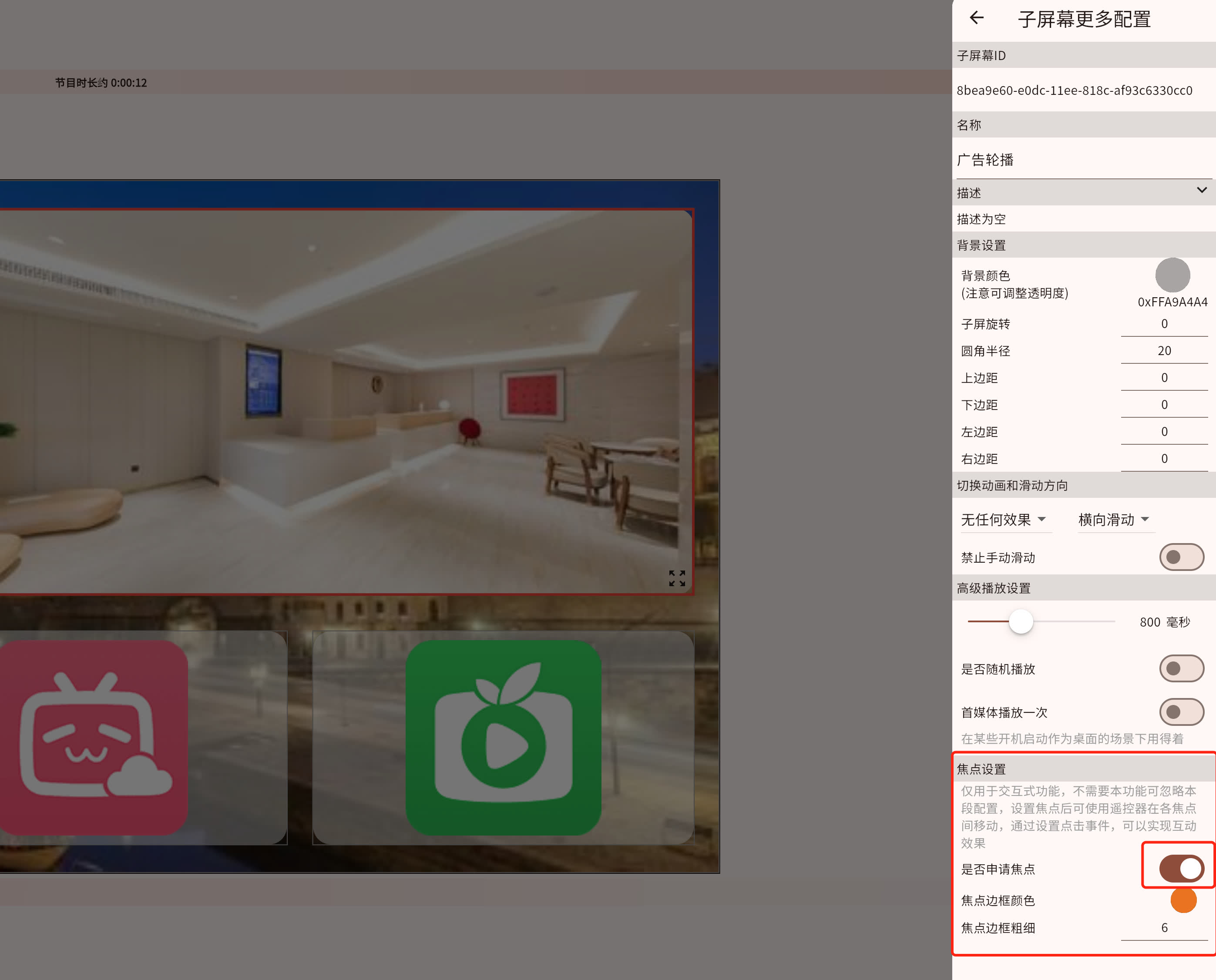
If you want users to clearly see which sub-screen currently has focus while using the remote control, you also need to configure the focus parameters of the sub-screen.
The Simplest Starter Path for Beginners
If this is your first interactive program, start with this minimal path:
- Create a normal program first
- Add several clickable materials into it
- Give one of those materials a click event
- Make it jump to another page or sub-program
- If you also want remote-control interaction, then add focus settings
Want to See a Ready-made Example First
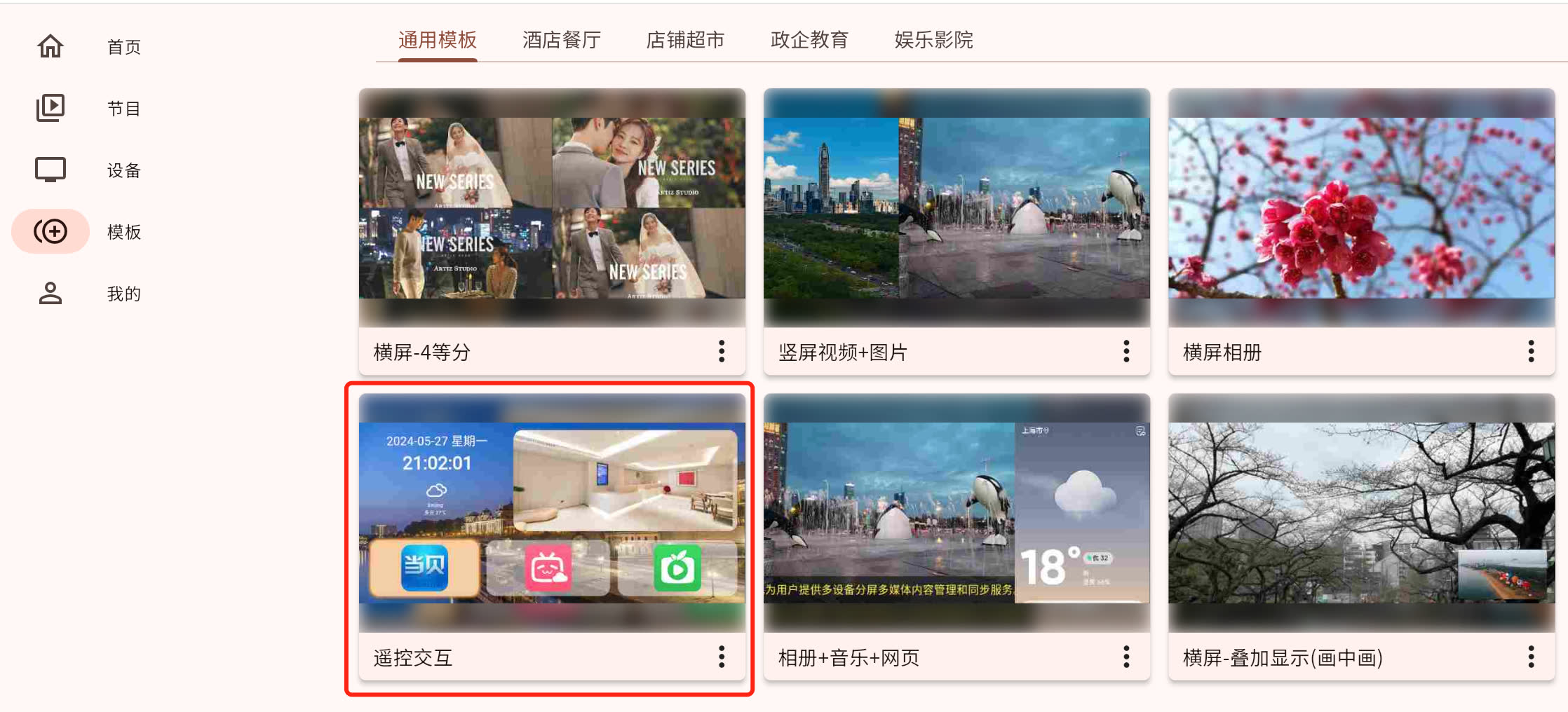
If you prefer to look at a finished example before building your own, see the remote-control interactive template.
For connection modes, serial parameters, command bytes and reply display, see Serial and TCP / UDP communication.